Local-first photo library — macOS & Windows

Your photo library,
beautifully yours.

Hokusai brings the calm of Apple Photos to a library you actually own — every file on your disk, every edit written in place, with optional sync to Google Photos and Apple Photos. No subscription. No cloud lock-in.

Public beta Free with a 30-day Pro trial No card required

Most photo apps want your library in their cloud, behind their subscription, on their terms. Hokusai takes the opposite position: your photos stay on your machine, organized into a library that is fast, quiet, and entirely yours — and when you want a cloud copy, you choose exactly which provider receives it.

Hokusai runs no servers for your library. There is no account to create, no analytics in the app, and nothing trains on your photos.

Somewhere on your disk, all of this is waiting to be seen again.

Inside the app

See it breathe.

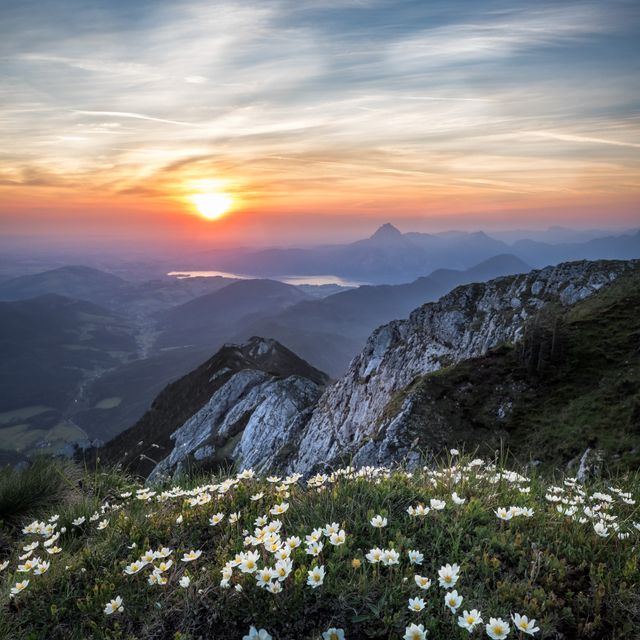
This is the library view — the room where your photos live. A quiet sidebar, a grid that answers to seven zoom levels, and not a single pixel asking you to subscribe to anything. The photographs below are samples; the feeling is exactly what ships.

Turquoise ocean wave curling mid-crash
Child running through a blossoming orchard
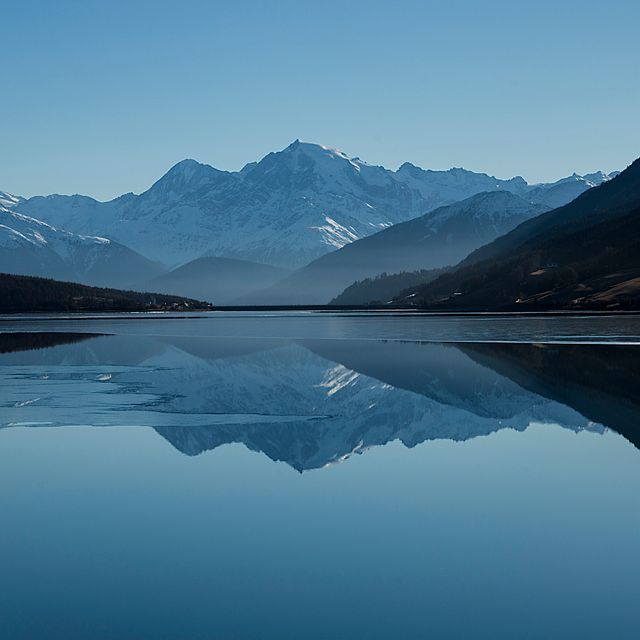
Mountains mirrored in a still lake
Two labrador puppies side by side
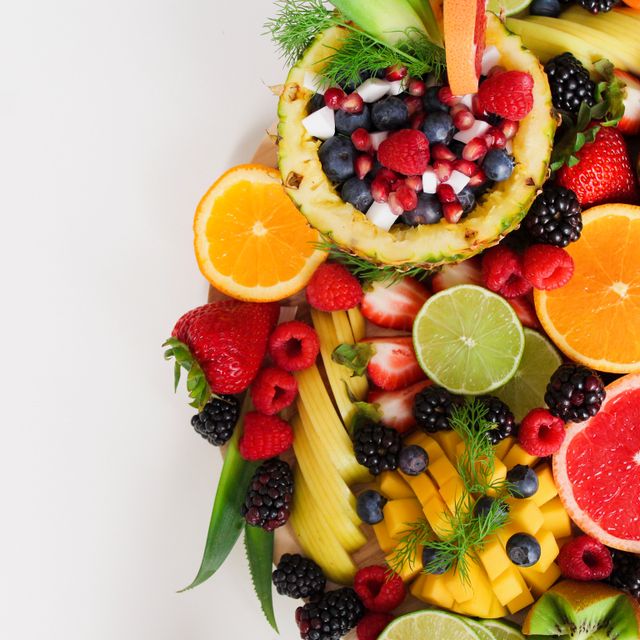
Sliced tropical fruit arranged on a table
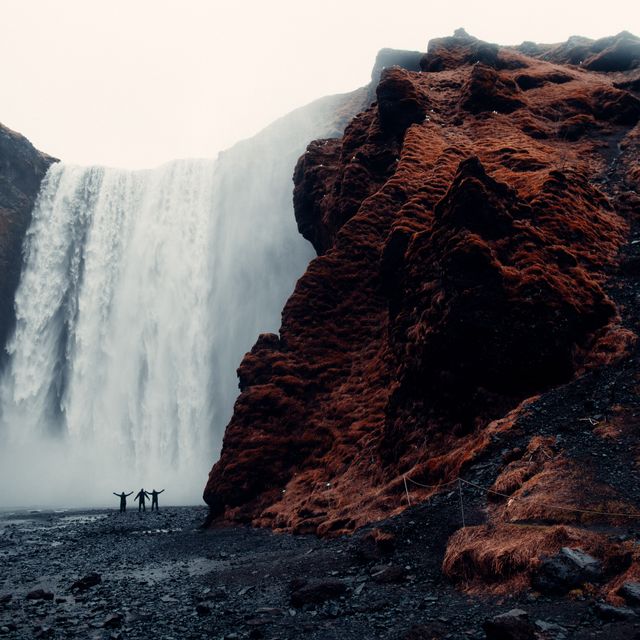
Three travelers before a towering waterfall
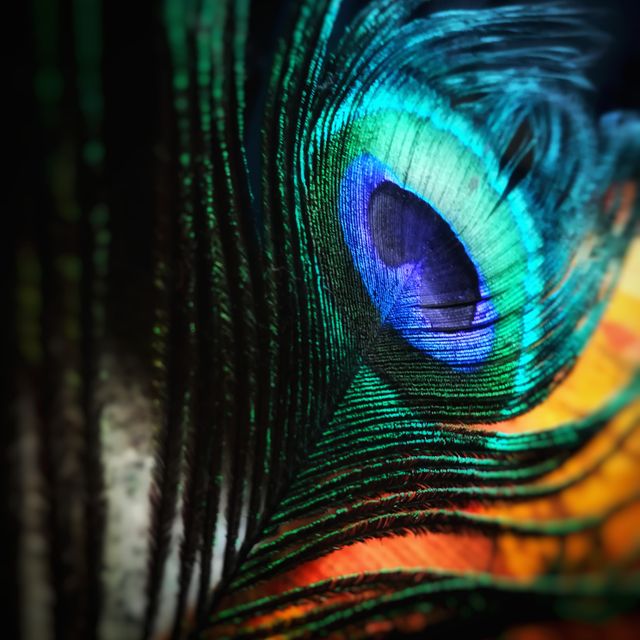
Close view of a peacock feather
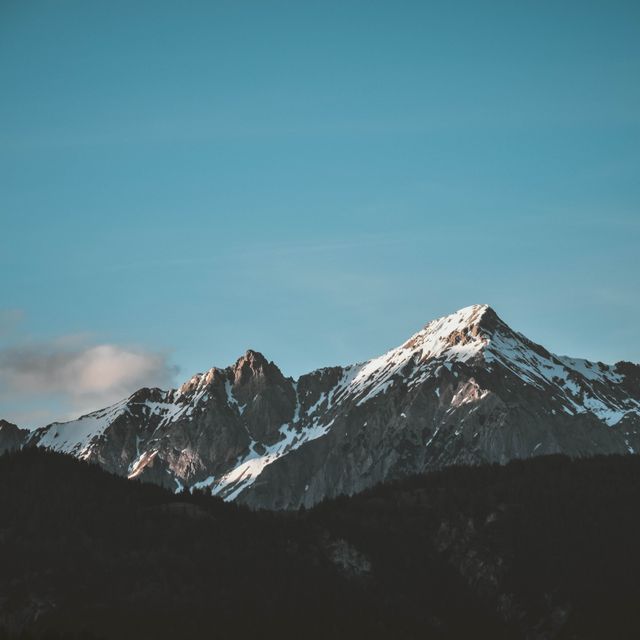
Snow-capped Himalayan peaks at sunset

Snapshots

Three plates from the field.

Editor preview: a springtime photo of a child in an orchard, mid-adjustment

Plate I

The editor Pro

Light on one side, your photograph on the other. Sliders for brightness, contrast, saturation and blur; rotation, flip, and eight considered filters. When you save, the edit is written into the file itself — atomically, on your disk, with no database standing between you and the picture.

Every adjustment previews live, full-screen, before a single byte changes.

Plate II

Duplicates, by the byte Pro

Every photo is fingerprinted with SHA-256 as it enters the library. The Duplicates view gathers byte-identical copies into one row, so reclaiming gigabytes becomes a calm review pass — keep one, let the rest go, and nothing is guessed.

Hashes, not heuristics. A duplicate here is a duplicate, provably.

Plate III

The timeline

Your life, grouped by the day it happened. Capture dates come from the EXIF record inside each file, so the order is the order you lived it — scroll a year in seconds, land on an afternoon, and stay a while.

Included free, forever — alongside albums, favorites, people and search.

Features

The details

  1. 01

    Import without fear of duplicates

    JPEG, PNG, WebP, HEIC, TIFF and BMP. Every file is fingerprinted with SHA-256 on the way in, and you decide what happens when a copy already exists — ask each time, skip, or import anyway.

  2. 02

    Organize like an archive

    Albums, favorites, a timeline grouped by capture date, a people view, and instant search across names, dates and tags. Seven zoom steps from contact sheet to full row.

  3. 03

    Edit with intent Pro

    Brightness, contrast, saturation and blur sliders, rotation and flip, and eight considered filters. Edits are written straight to the file on disk — atomically, never through a database.

  4. 04

    Find every duplicate Pro

    A dedicated Duplicates view groups byte-identical photos by their hash, so reclaiming space is a review pass, not a scavenger hunt.

  5. 05

    Views for real life Pro

    Receipts, handwriting, illustrations and documents get their own utility views. A map view for GPS-tagged shots. Recently saved, viewed, edited and shared — each a keystroke away.

  6. 06

    A thirty-day grace period

    Deleted photos rest in Recently Deleted for 30 days, each marked with the days remaining, before the library lets them go for good.

Cloud sync — optional, bidirectional

In both directions.

Hokusai is local-first, not local-only. Connect Google Photos or Apple Photos and reconcile in whichever direction you choose — download, upload, or both at once.

Google Photos

Sign in with Google’s own OAuth flow — your password never touches the app. Download new shots into your library, upload local edits back, or run a full bidirectional mirror.

Apple Photos macOS

Export from or import straight into the system Photos library. What lands in Hokusai passes through the same duplicate-safe import pipeline as everything else.

On a rhythm, or on demand

Auto-sync runs every fifteen minutes while the app is open — or trigger a run yourself and watch every transfer, with a Stop button that actually stops.

Tokens under lock

Sync credentials are encrypted at rest with your operating system’s keychain. They never leave your machine except to the provider they belong to.

Local-first, by design

Your photos never become our data.

No account. No analytics. No AI training on your library — we couldn’t if we wanted to; your photos never pass through a server of ours.

The only network calls Hokusai makes are the ones you ask for: license validation, update checks, and sync with the providers you explicitly connect.

A note on the photographs above: they are not anyone’s library. Every sample image on this page is a stock photograph from Pexels, used with thanks under the Pexels license — by Bri Schneiter, Simon Berger, Stephan Seeber, James Wheeler, Joyston Judah, eberhard grossgasteiger, Chevanon Photography, Anjana C, Sam Kolder, Jane T D., jonas mohamadi, Magda Ehlers, and Pixabay. They ship with this page; no real library was ever consulted.

Pricing

Pay once.

Every install begins with a 30-day Pro trial — full features, no card required. When it ends, Hokusai simply becomes Free.

Free

$0

After the trial, forever.

  • Your entire library, beautifully organized
  • Import in all supported formats, with duplicate detection
  • Albums, favorites, timeline and people views
  • Search, zoom, full-screen viewer and slideshow
  • 30-day Recently Deleted safety net
Coming soon

Download

Take it home.

Hokusai is in private beta. Public downloads for macOS 11+ and Windows 10+ (64-bit) will open here — soon, and worth the wait.

For macOS

macOS

macOS 11 or later · Apple Silicon & Intel · DMG

Coming soon

For Windows

Windows

Windows 10 or later · 64-bit · installer

Coming soon

Not your platform?

Want to know the moment the doors open? Write to support@kura.photos and we’ll save you a seat.

Questions

Asked often.

Is Hokusai a subscription?

No. Pro is $39, paid once, and it includes every future update. There is no renewal, no tier ladder, and nothing that stops working if you never pay us again.

How does the 30-day trial work?

Every install starts with the full Pro feature set for 30 days — no card, no account. When the trial ends, Hokusai continues as the Free tier and your library is untouched. Upgrade whenever you like.

How many computers can I use it on?

One license key activates up to 3 machines. If you hit the limit, the app shows your activated machines and you can deactivate one — or manage everything from Polar’s customer portal.

What is the refund policy?

Thirty days, no questions asked. Purchases, receipts and refunds are handled by Polar, our merchant of record — reply to your receipt email or write to support@kura.photos.

Where are my photos stored?

On your disk, in ordinary files you can open, back up, or move yourself. Hokusai keeps no cloud copy and runs no servers for your library — deleting the app data removes every trace we ever had.

Does sync send my whole library to the cloud?

Only what you choose, only to the provider you connect. Sync direction is your call — download, upload, or bidirectional — and nothing moves until you sign in and start a run.

Which formats can I import?

JPEG, PNG, WebP, HEIC and HEIF, TIFF, and BMP. Videos are not part of the library today.

Why does my computer warn me at install?

Current builds are not code-signed, so macOS Gatekeeper and Windows SmartScreen are cautious. On macOS, right-click Hokusai and choose Open; on Windows, click More info → Run anyway. Every release will publish SHA-512 checksums alongside its downloads.